 SnapFit Duo
Your screenshots.
A better fit. In a tap.
Remove the extra side bar. Choose the size you like. Save your screenshot straight to Photos.
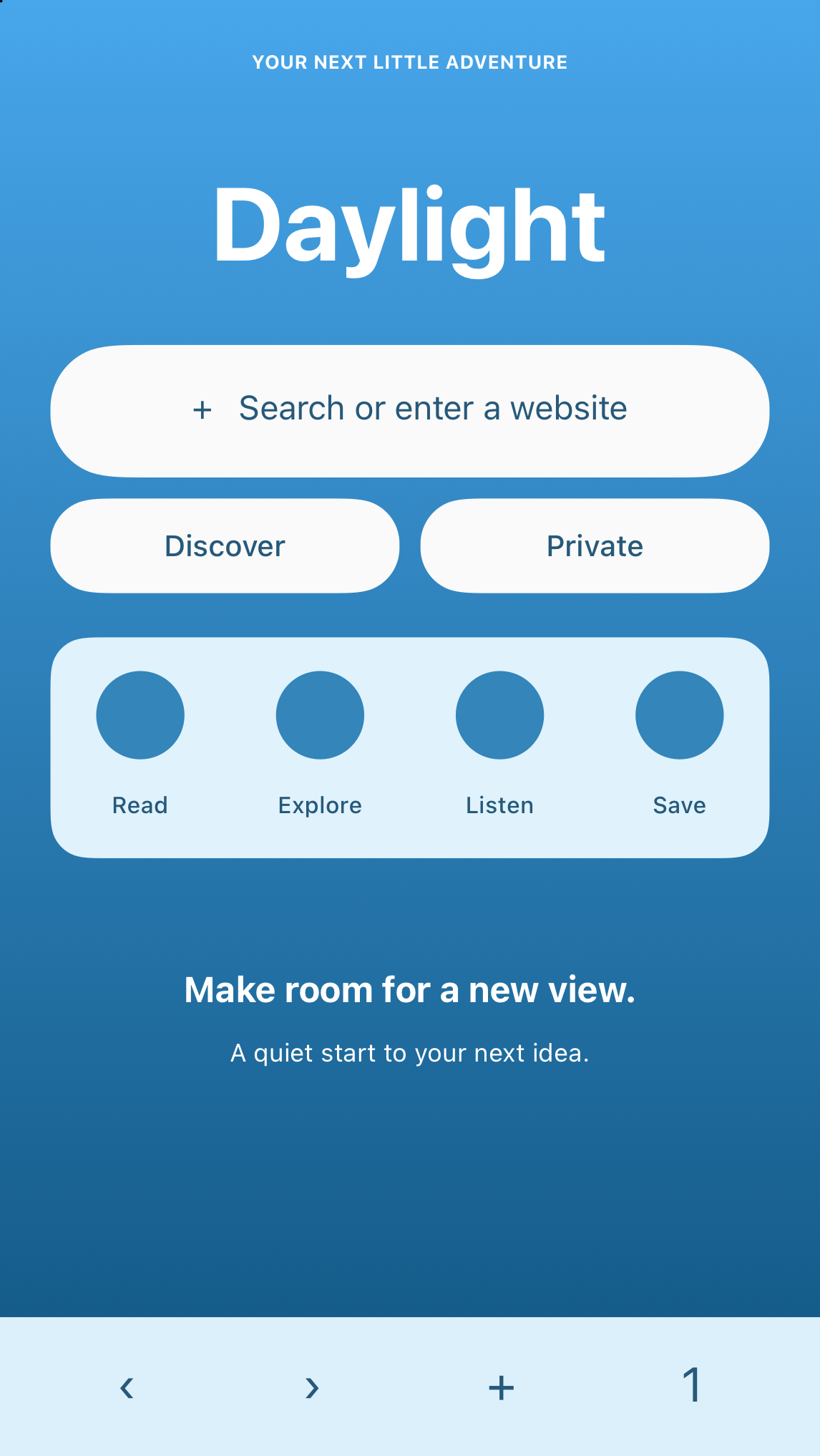
Explore the Duo and compare the screenshot
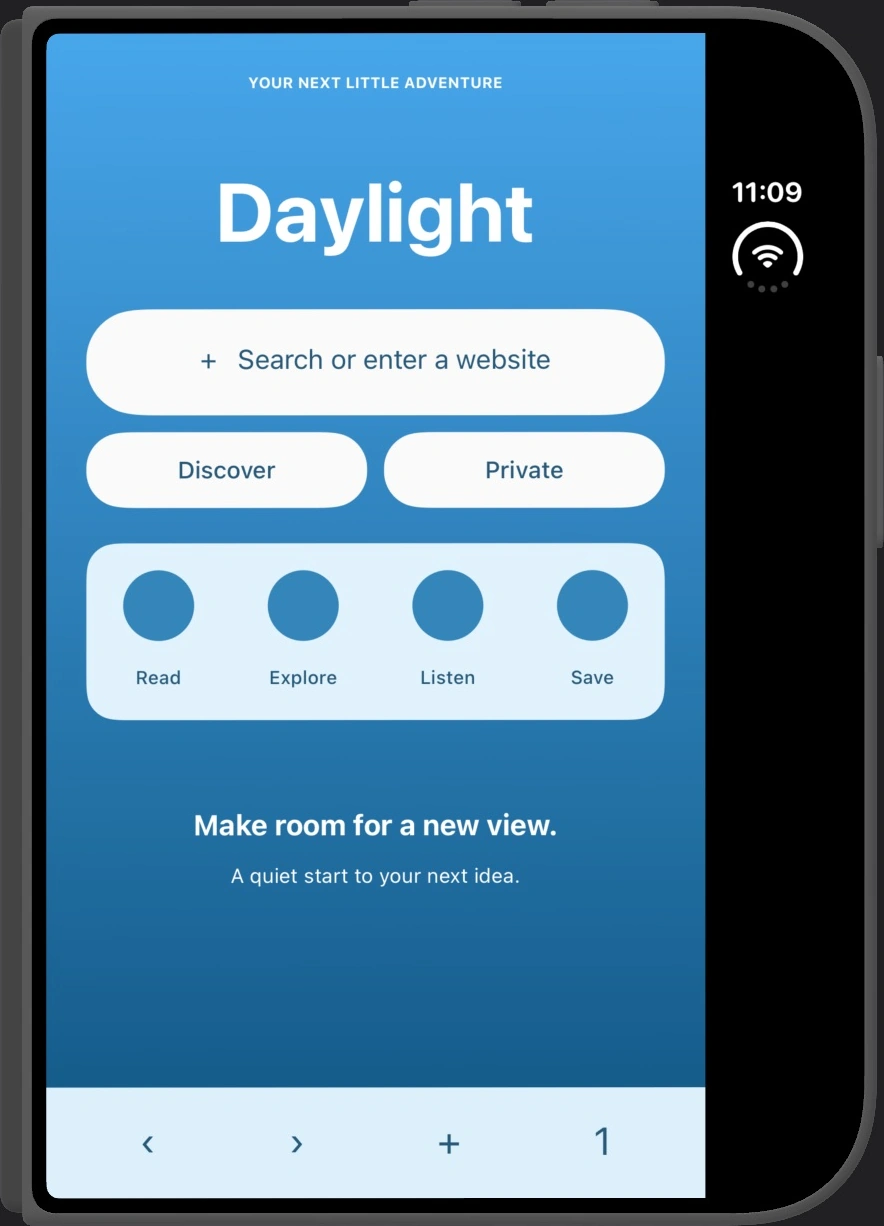
Closed · upright
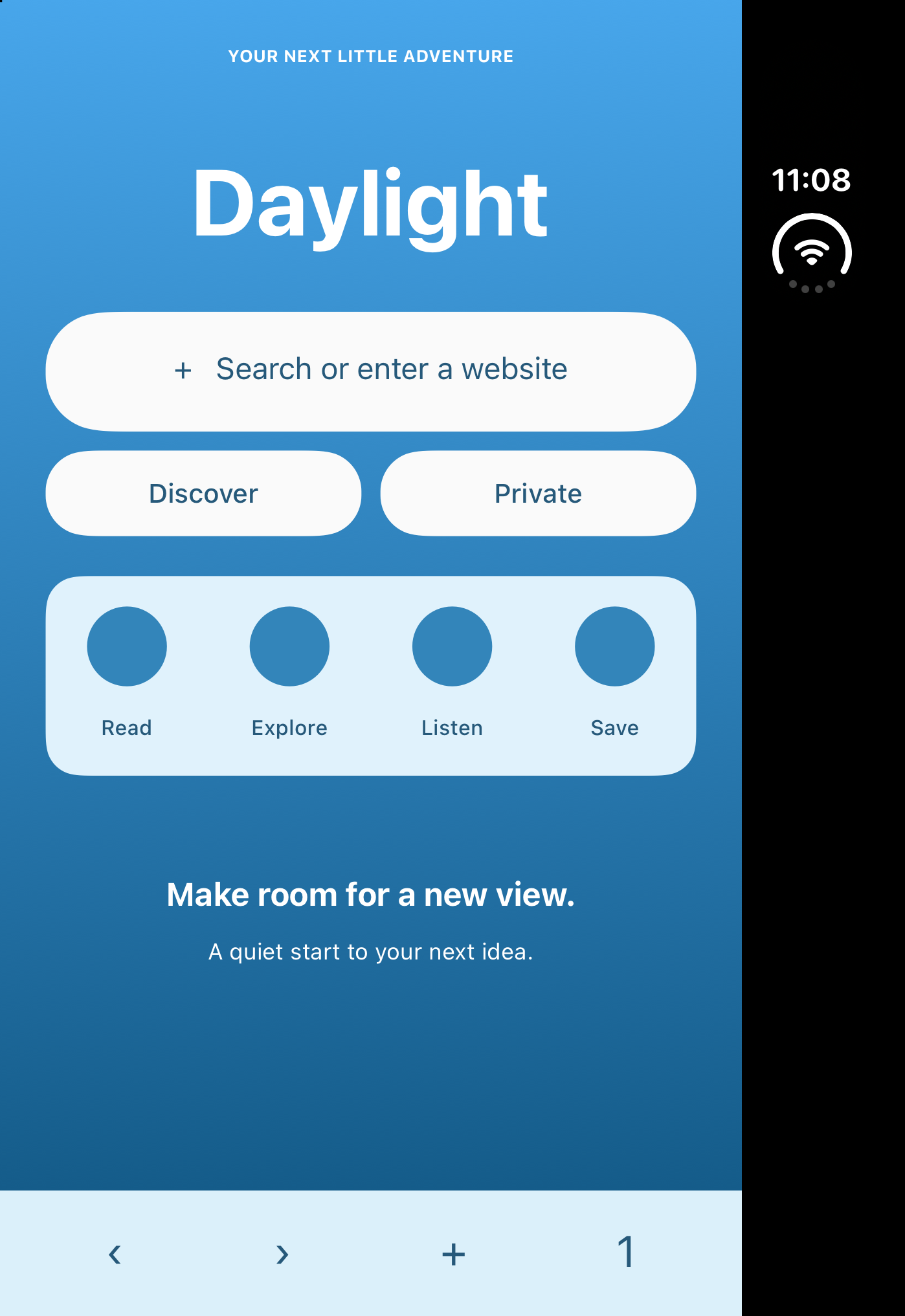
Original · 1398 × 2034
The side bar goes. Your screenshot keeps its shape.
Original demo content on the Duo simulator. After images are actual SnapFit crop outputs.
One purchase. No subscription. All image processing on your device.
Set it once.
Save it in a tap.
Choose your fit.
Keep the screenshot’s shape, pick your own dimensions, or choose Instagram Story. See a preview before saving your choice.
Add Fix Screenshot.
A short guide helps you find SnapFit Duo in the iOS share menu and keep it close at hand.
Share. Tap. Saved.
Take a screenshot, tap Share, then Fix Screenshot. Your saved settings are used for the finished copy.
On your device.
Out of your way.
No accounts. No ads. No screenshot uploads. SnapFit Duo works on your iOS device and only asks to add finished images to Photos.